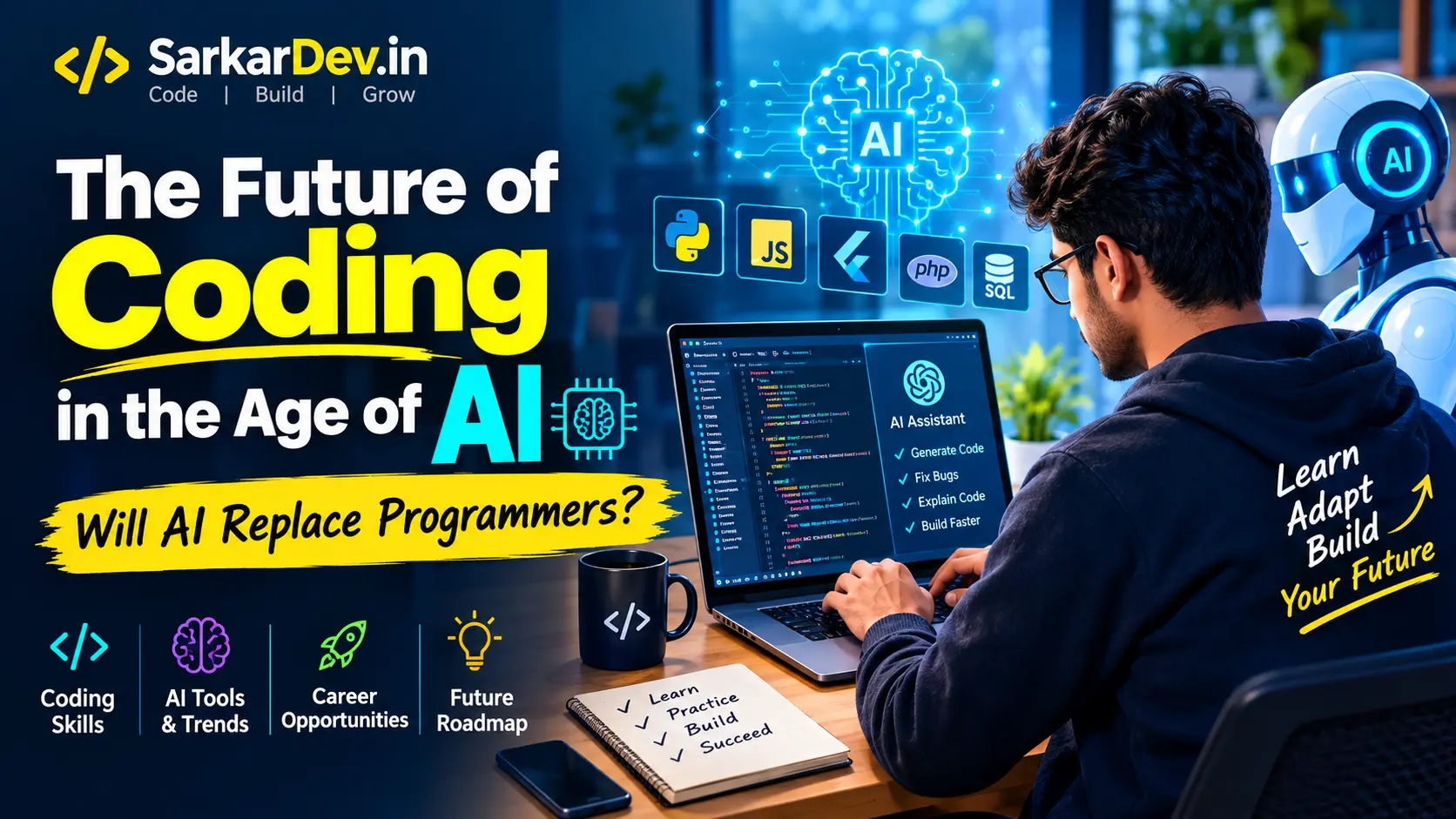
The Future of Coding in the Age of AI: Will AI Replace Programmers?
Artificial Intelligence (AI) is transforming the way we work, learn, and build technology. From writing simple programs to developing complex applications, AI-powered tools are changing the software development process.
Today, developers can use AI to generate code, identify errors, explain programming concepts, write tests, and accelerate development. Tasks that once required hours of manual work can sometimes be completed in minutes with the right tools.
But this raises an important question: Will AI replace programmers, or will it create new opportunities for developers?
The answer is more complicated than a simple yes or no. The future of coding will likely depend on how well developers combine programming knowledge, problem-solving skills, and AI tools.
In this article, we will explore how AI is changing coding, which programming skills will remain valuable, and how beginners can prepare for the future of software development.
1. How AI Is Changing the World of Coding
Traditional software development requires programmers to understand requirements, write code, test applications, fix bugs, and maintain software.
AI is making several of these tasks faster and more accessible.
Modern AI coding tools can help developers:
Generate code from natural-language instructions.
Explain complex programming concepts.
Detect potential bugs and suggest fixes.
Create unit tests and documentation.
Refactor existing code.
Understand unfamiliar codebases.
Build prototypes and applications more quickly.
For example, a developer can ask an AI assistant to create a basic login page using HTML, CSS, and JavaScript. The tool can generate an initial implementation, which the developer can then review, test, and improve.
However, AI-generated code is not automatically correct, secure, or production-ready. Developers still need to understand the code and verify that it works as intended.
AI is therefore changing not only how code is written but also how developers approach the entire development process.
2. Will AI Replace Programmers?
AI can automate many repetitive programming tasks, but replacing every software developer is a different matter.
Building reliable software involves much more than writing code. Developers must understand business requirements, design systems, protect user data, investigate unexpected problems, and make decisions when requirements are unclear.
AI can assist with these responsibilities, but its output still requires human judgment and accountability.
Consider the following comparison:
Traditional Development Task | How AI Can Help |
|---|---|
Writing code | Generate initial implementations |
Debugging | Suggest possible causes and fixes |
Testing | Generate test cases and scripts |
Documentation | Draft technical explanations |
System design | Suggest possible architectures |
Security | Identify potential vulnerabilities |
Maintenance | Explain code and suggest improvements |
The most important distinction is that AI can produce a solution without necessarily knowing whether that solution is the best choice for a particular business or user.
Developers who understand the problem, evaluate the output, and take responsibility for the final product will remain valuable.
Rather than assuming that AI will eliminate programming careers, it is more useful to prepare for a future in which the role of a programmer continues to evolve.
3. The Rise of AI-Assisted Software Development
AI-assisted development is becoming an important part of modern software engineering.
Developers can now use AI assistants throughout the development lifecycle, from planning an application to testing and maintaining it.
Some widely used tools include:
GitHub Copilot: Helps developers write code, understand existing projects, and work within supported development environments.
ChatGPT: Can explain programming concepts, generate code examples, help debug errors, and assist with software planning.
Cursor: An AI-focused code editor designed to help developers work with codebases using natural-language instructions.
Google Gemini: Can assist with programming questions, code generation, explanations, and debugging.
These tools serve different purposes, and their capabilities vary by product, plan, and version. Developers should choose tools based on their workflow, budget, privacy requirements, and project needs.
The key is not simply to use AI. It is to use AI effectively while maintaining control over code quality, security, and maintainability.
4. Which Programming Languages Will Be Important in the Future?
AI tools can work with many programming languages, but learning fundamental programming concepts remains essential.
Here are several languages worth considering based on the type of development you want to pursue.
Python
Python is widely used in AI, machine learning, data science, automation, and backend development.
Its readable syntax makes it a practical starting point for beginners who want to explore both general programming and AI-related projects.
JavaScript
JavaScript is a core technology for interactive websites and frontend development. It is also used on the server through environments such as Node.js.
If you want to build websites, web applications, or full-stack projects, JavaScript is a valuable choice.
PHP
PHP remains relevant for server-side web development and content management systems, including WordPress.
It is particularly useful for developers who want to build websites, business portals, and dynamic web applications.
Dart and Flutter
Dart is the programming language used by Flutter for building cross-platform applications.
Flutter is worth exploring if your goal is to develop mobile applications for Android and iOS from a shared codebase.
SQL
SQL is used to work with relational databases. Most business applications need to store, retrieve, and manage data, making database knowledge an important part of software development.
Which language should you learn first?
Start with the language that matches your goal. Choose Python for a general introduction to programming and AI, JavaScript for web development, PHP for server-side websites, or Dart and Flutter for cross-platform mobile applications.
You do not need to learn every language at once. Strong fundamentals and practical projects matter more than collecting language names.
5. The Most Important Skills for Future Developers
As AI takes on more routine coding tasks, developers need to strengthen the skills that help them build reliable and useful software.
1. Programming Fundamentals
Learn variables, data types, conditions, loops, functions, data structures, and object-oriented programming.
Understanding these concepts makes it easier to read AI-generated code, identify mistakes, and develop your own solutions.
2. Problem-Solving
A programmer's job begins with understanding a problem.
The ability to break a complex task into smaller steps, identify constraints, and design a practical solution remains essential even when AI writes much of the initial code.
3. AI Prompting
Learn how to give AI tools clear instructions.
Instead of asking, "Build an application," describe the application's purpose, target users, features, technology stack, design requirements, and expected behaviour.
Clearer instructions generally make it easier to obtain useful results.
4. Debugging and Code Review
AI-generated code may contain logical errors, outdated practices, insecure operations, or unnecessary complexity.
Learn how to read error messages, test assumptions, inspect code, and verify proposed fixes.
5. Database and API Knowledge
Modern applications often connect to databases, payment services, authentication systems, and external APIs.
Understanding how these components communicate helps developers build applications that work beyond a simple demonstration.
6. Cybersecurity
Developers must understand authentication, authorization, input validation, secure data handling, dependency management, and common vulnerabilities.
Never assume that code is secure simply because an AI tool generated it.
7. Communication and Critical Thinking
Developers frequently collaborate with clients, designers, business owners, and other engineers.
Understanding requirements, explaining technical decisions, and evaluating trade-offs are important skills that go beyond code generation.
6. How Beginners Can Learn Coding in the AI Era
You do not need to become an expert before using AI. However, relying on AI to do everything can prevent you from developing the knowledge needed to solve problems independently.
A better approach is to combine structured learning with hands-on practice.
Step 1: Choose One Programming Language
Select a language based on your goal and commit to learning its fundamentals.
For example, Python is a reasonable choice for beginners interested in general programming and AI.
Step 2: Practise Writing Code Yourself
Write small programs that use variables, conditions, loops, and functions.
Before asking AI for a complete solution, attempt the problem on your own.
Step 3: Use AI as a Tutor
Ask AI to explain unfamiliar concepts in simple language, review your code, or provide hints when you get stuck.
For example:
"Explain this Python function line by line. Show me how it works with a simple example, and then give me a similar problem to solve myself."
This approach helps you learn rather than merely copy code.
Step 4: Build Real Projects
Start with manageable projects, such as:
A personal portfolio website.
A calculator.
A to-do list application.
A simple business directory.
A contact management system.
A basic database-driven web application.
Projects teach you how programming concepts work together in practical situations.
Step 5: Test and Improve Your Code
Check whether your program works with valid inputs, invalid inputs, and unexpected situations.
Ask AI to suggest test cases, but run those tests and examine the results yourself.
Step 6: Publish Your Work
Create a portfolio that demonstrates your projects, explains the problems you solved, and describes the technologies you used.
A portfolio can help potential clients or employers evaluate your practical abilities.
7. AI Coding Tools: Benefits and Risks
AI offers substantial opportunities, but it also introduces challenges that developers should understand.
Benefits of AI-Assisted Coding
Faster development of prototypes and routine features.
Easier access to programming explanations.
Help with repetitive coding tasks.
Support for debugging and testing.
Faster exploration of unfamiliar technologies.
Opportunities for beginners to experiment with software development.
Risks and Limitations
Incorrect or incomplete code.
Security vulnerabilities.
Difficulty maintaining code that the developer does not understand.
Exposure of confidential source code or credentials when using unsuitable tools.
Overdependence on AI-generated solutions.
Additional time spent reviewing and correcting output.
Research into AI-assisted software development highlights that productivity benefits must be balanced with code quality, security, and effective review processes.
For that reason, developers should treat AI as a powerful assistant rather than an unquestionable source of truth.
Before deploying an application, review its code, run appropriate tests, check dependencies, and protect sensitive information.
8. Will AI Create New Opportunities for Developers?
AI is creating opportunities for people who can combine software engineering with an understanding of real-world problems.
Potential areas of opportunity include:
AI-powered applications: Building software that uses AI models to summarise information, answer questions, or assist users with specific tasks.
Business automation: Developing systems that automate repetitive workflows, manage information, and connect business tools.
Web and mobile applications: Creating useful products for businesses, organisations, and individual customers.
AI integration: Connecting existing applications with AI services through APIs.
Software security and quality assurance: Testing AI-assisted systems, reviewing code, identifying vulnerabilities, and improving reliability.
Technical consulting: Helping organisations choose suitable tools and integrate AI into their existing workflows.
These opportunities do not guarantee employment or business success. Results depend on practical skills, market demand, experience, and the ability to deliver dependable solutions.
The broader lesson is that developers can create value by solving problems, not merely by producing lines of code.
9. The Future Programmer: Human Intelligence Plus Artificial Intelligence
Imagine two developers working on the same project.
The first developer copies AI-generated code without understanding how it works. When a bug appears, the developer struggles to identify the cause.
The second developer understands the requirements, uses AI to accelerate development, reviews the generated code, tests important scenarios, and improves the final implementation.
Both developers use AI, but they achieve different levels of control and reliability.
This example illustrates an important principle: AI can increase a developer's capabilities, but the value of that assistance depends on the developer's knowledge and judgment.
The future of software development will likely involve closer collaboration between humans and AI systems.
Developers may spend less time manually writing routine code and more time defining requirements, designing systems, evaluating AI-generated work, integrating services, and ensuring that applications are reliable.
Learning to work effectively with AI while preserving strong engineering fundamentals is a practical way to prepare for this change.
10. A Practical Roadmap for the Next 90 Days
If you are starting from zero, you can use the following roadmap to build a foundation in programming and AI-assisted development.
Period | Learning Goal | Practical Activity |
|---|---|---|
Days 1–15 | Programming fundamentals | Write small programs and solve basic problems |
Days 16–30 | Functions and data structures | Build a command-line application |
Days 31–45 | Git and debugging | Track changes and fix program errors |
Days 46–60 | Web, mobile, or backend development | Build a small application |
Days 61–75 | AI-assisted development | Use AI to explain, review, and improve code |
Days 76–90 | Testing and portfolio | Complete, test, document, and publish a project |
This roadmap is a starting point rather than a guarantee of professional readiness. Adjust the pace according to your experience and the complexity of your chosen technology.
The goal is to finish with a working project and a better understanding of how to build software independently with AI assistance.
Frequently Asked Questions (FAQs)
Will AI replace programmers in the future?
AI may automate some programming tasks and change the responsibilities of developers. However, software development also requires problem-solving, system design, testing, security, and human judgment. Learning to use AI effectively is a practical way to prepare for changing expectations.
Is coding still worth learning in 2026?
Yes. Coding remains useful for building websites, mobile applications, automation tools, business software, and AI-powered products. Learning programming also helps you understand, evaluate, and improve AI-generated code.
Which programming language is best for AI?
Python is a common starting point because of its ecosystem for machine learning, data science, automation, and AI development. The best choice depends on the kind of applications you want to build.
Can beginners learn coding with AI?
Yes. AI can explain concepts, provide examples, and help identify errors. Beginners should still practise independently and make sure they understand the solutions rather than copying code without reviewing it.
Will AI make software development easier?
AI can simplify many tasks and accelerate certain workflows. However, building reliable applications still requires planning, testing, debugging, security checks, and maintenance.
What skills should developers learn for the future?
Developers should focus on programming fundamentals, problem-solving, AI-assisted development, code review, testing, databases, cybersecurity, system design, and communication.
Conclusion: Learn Coding, Embrace AI, and Keep Building
The future of coding is not simply about humans competing against artificial intelligence. It is about learning how to use new technology to build better software and solve more meaningful problems.
AI can help developers write code faster, explore new ideas, and automate repetitive work. But reliable software still depends on understanding requirements, making sound decisions, checking results, and taking responsibility for the final product.
If you are a beginner, start with one programming language, practise consistently, build real projects, and use AI to strengthen your understanding.
If you are already a developer, improve your engineering fundamentals and explore ways to integrate AI into your workflow without compromising quality or security.
The best time to start learning is now. Build your skills, experiment with AI, and prepare to create the next generation of software.
At SarkarDev, we believe that continuous learning, practical development, and responsible use of technology are essential for building a future-ready digital world.
Suggested featured image alt text: The future of coding and software development with artificial intelligence, showing a programmer working with AI-powered coding tools.
Suggested internal links:
Web vs Mobile App: Which Is Better for Your Business?
Business Website Development: A Complete Guide
How to Build a Website for Your Business
AI Tools for Developers: A Beginner's Guide
Suggested categories: Artificial Intelligence, Software Development, Programming, Technology




Comments 0
No comments yet. Be the first to share your thoughts.